
Tokeet MCP by usefulapi
Read Tokeet rentals, rates, guests, tasks and expenses; add guests, notes and tasks.
Connect it
Settings → Connectors → Add custom connector
URL: https://tokeet.usefulapi.io/mcpSettings → Apps & Connectors → Advanced → Developer mode
Create connector with URL: https://tokeet.usefulapi.io/mcp{
"mcpServers": {
"tokeet": {
"url": "https://tokeet.usefulapi.io/mcp"
}
}
}claude mcp add --transport http tokeet https://tokeet.usefulapi.io/mcp{
"servers": {
"tokeet": {
"type": "http",
"url": "https://tokeet.usefulapi.io/mcp"
}
}
}24 tools, verified live
tokeet_get_current_userread-onlyThe Tokeet user the API key belongs to (name, email, role). Login data is never returned. GET /user/me.
tokeet_list_usersread-onlyList the team members (users) of the Tokeet account. GET /user.
tokeet_get_userread-onlyOne team member by id. GET /user/{user_pkey}.
tokeet_list_rentalsread-onlyList the rental properties in the account, sorted by name. GET /rental.
tokeet_get_rentalread-onlyOne rental property by id (its pkey from tokeet_list_rentals). GET /rental/{rental_pkey}.
tokeet_list_rentals_by_ownerread-onlyList the rentals assigned to one owner. GET /rental/owner/{owner_pkey} (Tokeet documents no paging for it: all of the owner's rentals come back).
tokeet_get_rental_availabilityread-onlyThe open and blocked dates of one rental over the next two years. GET /rental/{rental_pkey}/availability.
tokeet_list_ratesread-onlyAll standard, dynamic and promotional rates of one rental. Read-only: rates cannot be changed with this server. GET /rate/{rental_pkey}.
tokeet_list_guestsread-onlyList guests (personal data: name, emails, phones, address, notes, interactions), one page at a time. Filter by partial name, booking source/channel, and whether they have bookings. GET /guest.
tokeet_get_guestread-onlyOne guest by id: contact details, notes, interactions and preferences. GET /guest/{pkey}.
tokeet_get_guest_by_emailread-onlyThe guest whose primary email is exactly this address. GET /guest/email/{email}.
tokeet_list_tasksread-onlyList the tasks (to-dos, e.g. cleanings and check-ins) in the account, sorted by task name. GET /task.
tokeet_get_taskread-onlyOne task by id. GET /task/{task_pkey}.
tokeet_list_expensesread-onlyList the expenses recorded in the account (date, rental, category, amount, paid/unpaid status), by creation date. Read-only. GET /expense.
tokeet_get_expenseread-onlyOne expense by id. GET /expense/{expense_pkey}.
tokeet_list_templatesread-onlyList the message/email templates in the account, optionally of one type. GET /template.
tokeet_get_templateread-onlyOne message template by id. GET /template/{template_pkey}.
tokeet_list_triggersread-onlyList the automation triggers (event, rental, template, delay) in the account. Read-only: triggers cannot be changed with this server. GET /trigger.
tokeet_create_guestWRITE: create a guest record (name and email required, the rest optional). Nothing is sent to the guest. Tokeet cannot recover deleted data and this server cannot delete guests. POST /guest.
tokeet_update_guestcan modifyWRITE: change fields of a guest (name, address, birthday, spouse, kids, drink, hobby, sport). Only the fields you pass are sent, and each one OVERWRITES the stored value (an address object replaces the whole address). Emails and phones have their own endpoints and are not changed here. PUT /guest/{guest_pkey}.
tokeet_add_guest_noteWRITE: add an internal note to a guest record (not visible to or sent to the guest). POST /guest/{guest_pkey}/note.
tokeet_record_guest_interactionWRITE: log an interaction you had with a guest (phone call, meeting or comment) in the guest's history. Nothing is sent to the guest. `date` is an epoch timestamp: use the same unit as the dates you see on existing interactions from tokeet_get_guest. POST /guest/{guest_pkey}/interaction.
tokeet_create_taskWRITE: create a task (to-do) in the account, optionally linked to an inquiry and assigned to a user. `due` is an epoch timestamp: use the same unit as the `due` of existing tasks from tokeet_list_tasks. No message is sent to anyone by this call. POST /task.
tokeet_update_taskcan modifyWRITE: change a task: rename, move to another list, reschedule, edit notes, reassign, or mark it completed (status 2) or active (1). Only the fields you pass are sent and each OVERWRITES the stored value. PUT /task/{task_pkey}.
Alternatives in Finance & Payments
Compare →DEDexPaprikaA
DEX and on-chain data: liquidity pools, token prices, swaps, and trading volume.
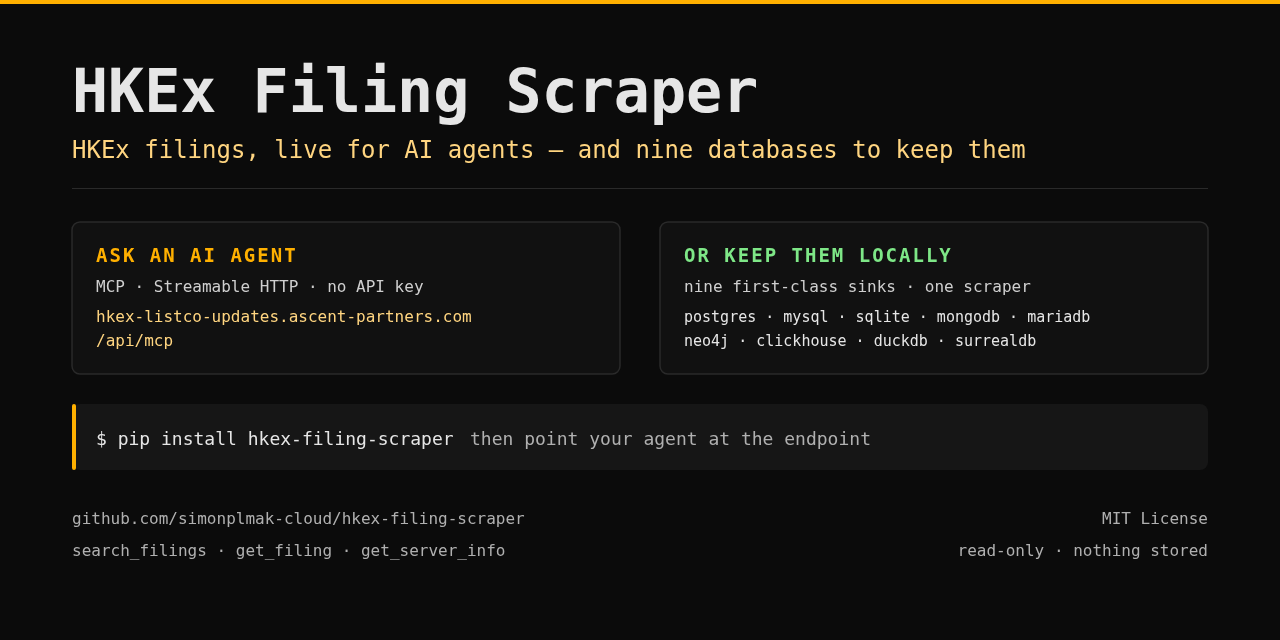 HKEx FilingsA
Live HKEx (Hong Kong Stock Exchange) regulatory filings for AI agents.
 PayRamA
Install, configure, operate and integrate self-hosted PayRam crypto payment gateways.
 PreReasonA
Financial market context for AI agents: macro, rates, bonds, FX, commodities, companies and Bitcoin.
 Beancount.ioA
Query, edit, and reconcile a hosted Beancount ledger: BQL, reports, files, and bank imports.
PAPayqrA
European payment QR — SPAYD (CZ/SK) & EPC/GiroCode (SEPA), plus text/WiFi/vCard. Local, free.