Olist Tiny ERP
Olist Tiny e-commerce ERP (formerly Tiny ERP) with the full official REST API v3, products, stock, o
Connect it
Settings → Connectors → Add custom connector
URL: https://api.mcp.ai/p_olistSettings → Apps & Connectors → Advanced → Developer mode
Create connector with URL: https://api.mcp.ai/p_olist{
"mcpServers": {
"olist-mcp": {
"url": "https://api.mcp.ai/p_olist"
}
}
}claude mcp add --transport http olist-mcp https://api.mcp.ai/p_olist{
"servers": {
"olist-mcp": {
"type": "http",
"url": "https://api.mcp.ai/p_olist"
}
}
}7 tools, verified live
search_toolsSingle entrypoint for MCP catalog. action=search returns available tools ordered by relevance. action=describe returns tool schema. action=invoke executes a tool by ID.
show_versionread-onlyShow the current MCP platform and adapter versions.
report_bugReport a bug, missing feature, or send feedback. Include the conversation array with recent messages for reproduction.
connectread-onlyReturns connection status and URLs. When all providers are connected, returns authenticated:true and empty pending[]. When credentials are missing, returns connect_url for the toolkit and per-install URLs.
authenticateMCP.AI for IDE agents (Cursor, etc.): log in in the browser, copy the access token. Best: add it to this server's config as a header `Authorization: Bearer <token>` for a permanent, non-expiring connection. Or paste it here for a session-only login: call with { token: "<jwt>" } after the user pastes, or with no args to get the link.
toolkit_inforead-onlyReturns the current toolkit state: installed MCPs, their connection status, the accounts connected to each one, and how many catalog tools each exposes.
marketplaceThe official mcp.ai marketplace â the in-platform catalog of every MCP/tool, AND the way to run them. Covers capability requests like "find an MCP that does X", "consulta um CPF", "is there a tool for Y". Core flow: action=search discovers MCPs by intent â describe returns one MCP's full profile (every tool with its id + params, pricing, auth) so you pick the right tool_id â invoke RUNS that
Alternatives in Finance & Payments
Compare →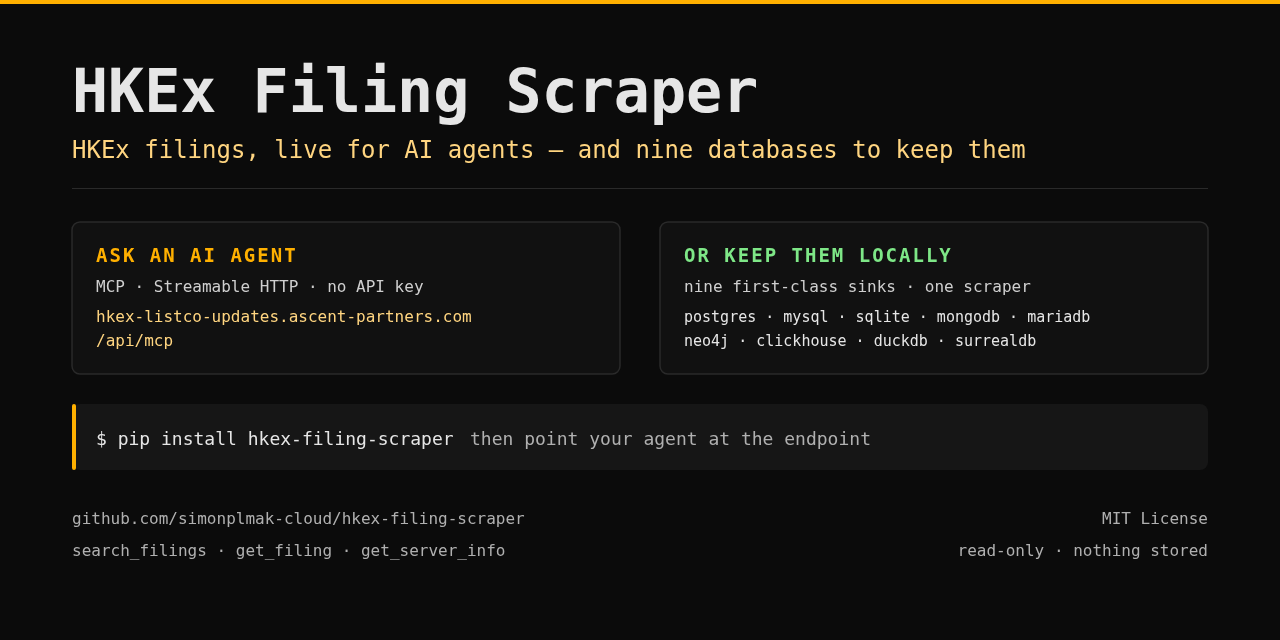 HKEx FilingsA
Live HKEx (Hong Kong Stock Exchange) regulatory filings for AI agents.
 PayRamA
Install, configure, operate and integrate self-hosted PayRam crypto payment gateways.
 PreReasonA
Financial market context for AI agents: macro, rates, bonds, FX, commodities, companies and Bitcoin.
 Beancount.ioA
Query, edit, and reconcile a hosted Beancount ledger: BQL, reports, files, and bank imports.
PAPayqrA
European payment QR — SPAYD (CZ/SK) & EPC/GiroCode (SEPA), plus text/WiFi/vCard. Local, free.
ADAdisA
Czech VAT-payer reliability (ADIS / nespolehlivý plátce DPH) + registered bank accounts by DIČ.