Pdfops MCP
Deterministic PDF tools for AI agents: inspect fields, fill forms, merge PDFs, invoices.
Connect it
Settings → Connectors → Add custom connector
URL: https://pdfops.dev/api/mcpSettings → Apps & Connectors → Advanced → Developer mode
Create connector with URL: https://pdfops.dev/api/mcp{
"mcpServers": {
"pdfops-mcp": {
"url": "https://pdfops.dev/api/mcp",
"headers": {
"Authorization": "<YOUR_AUTHORIZATION>"
}
}
}
}claude mcp add --transport http pdfops-mcp https://pdfops.dev/api/mcp --header "Authorization: <value>"{
"servers": {
"pdfops-mcp": {
"type": "http",
"url": "https://pdfops.dev/api/mcp",
"headers": {
"Authorization": "<YOUR_AUTHORIZATION>"
}
}
}
}{
"mcpServers": {
"pdfops-mcp": {
"command": "npx",
"args": [
"-y",
"pdfops-mcp@0.3.6"
]
}
}
}claude mcp add pdfops-mcp -- npx -y pdfops-mcp@0.3.65 tools, verified live
pdf_inspectread-onlyList a PDF's AcroForm form fields — names, types, options, current values, per-field maxLength where declared — plus a paste-ready fillTemplate object for pdf_fill and a hasXFA flag (hybrid AcroForm/XFA inputs lose their XFA layer when filled). A PDF with no fillable form returns count 0. Read-only: the PDF is fetched but never modified. Call this FIRST when filling an unfamiliar PDF, since pdf_fi
pdf_fillFill AcroForm form fields in a PDF and return the result. Field names must exist in the PDF (use pdf_inspect first). All values are strings; checkboxes take "true"/"false"; dropdown/radio/optionlist values must be one of the field's options; text values must respect the field's maxLength from pdf_inspect. The source PDF is never modified. Returns the filled PDF inline as an application/pdf resourc
pdf_mergeMerge two or more PDFs into one, in the order given, and return the result. Sources are read only and never modified. Returns the merged PDF inline as an application/pdf resource. This tool only concatenates whole documents: it does not reorder, rotate or delete pages within them, and it does not fill forms — use pdf_fill for a fillable form and pdf_invoice to build a document from data. An unread
pdf_invoiceGenerate a complete, professionally laid-out invoice PDF from structured data — no template needed. Deterministic: the same input produces byte-identical output (safe to re-run). Note: without a paid PDFops key the output carries a small "Generated with pdfops.dev" footer line. Returns the invoice inline as an application/pdf resource. Use this when you have invoice DATA and no document; if you al
pdfops_usageread-onlyCheck the current PDFops API quota for the configured key: tier, limit, used, remaining, the billing period, and the reset timestamp. Read-only and safe to call before a batch to confirm there is headroom. Uses the API key this connection authenticated with.
Alternatives in Finance & Payments
Compare →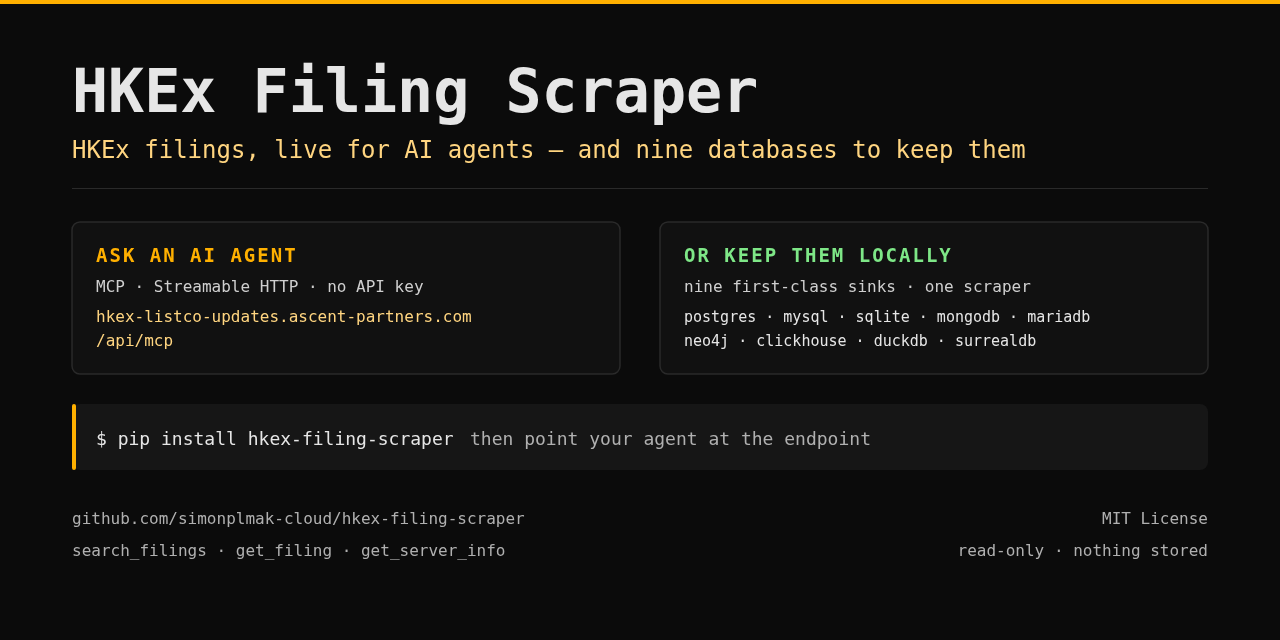 HKEx FilingsA
Live HKEx (Hong Kong Stock Exchange) regulatory filings for AI agents.
 PayRamA
Install, configure, operate and integrate self-hosted PayRam crypto payment gateways.
 PreReasonA
Financial market context for AI agents: macro, rates, bonds, FX, commodities, companies and Bitcoin.
 Beancount.ioA
Query, edit, and reconcile a hosted Beancount ledger: BQL, reports, files, and bank imports.
PAPayqrA
European payment QR — SPAYD (CZ/SK) & EPC/GiroCode (SEPA), plus text/WiFi/vCard. Local, free.
ADAdisA
Czech VAT-payer reliability (ADIS / nespolehlivý plátce DPH) + registered bank accounts by DIČ.